
By default, the cloud archive records the camera's main video stream at its original quality and resolution, preserving it without compression.
You can configure the video stream for live video and recording separately. Go to the camera's settings in your personal account to choose between: main stream and substream*.
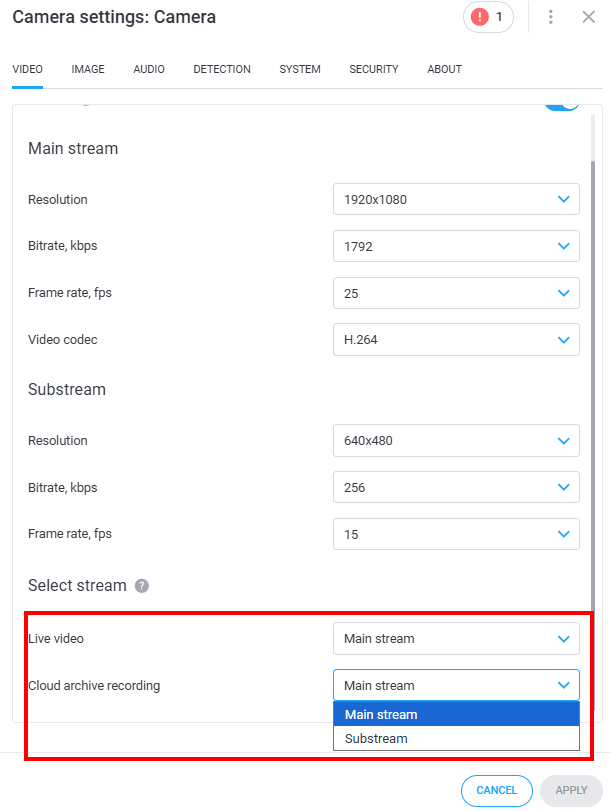
* The option to choose a substream will only be available if it is supported by the camera, or it's configured in Ivideon Server/Bridge. Otherwise, the main stream will always be taken from the camera.
Selecting a substream, when available, helps optimize bandwidth by reducing both outgoing traffic from the camera’s location and incoming traffic for the viewer.