
Yes, you can change your account email in your personal account settings. To change your email, you need to:
- Be able to access the new email inbox
- Be able to log into the Ivideon account with the current email.
- Know the current password for the Ivideon account (if the password is lost, use the password recovery function).
1. How to change the account email in Ivideon?
1. In your personal account, go to Settings > General. 2. Click Change, enter the new email address in the corresponding field, and click the Change email address button. | 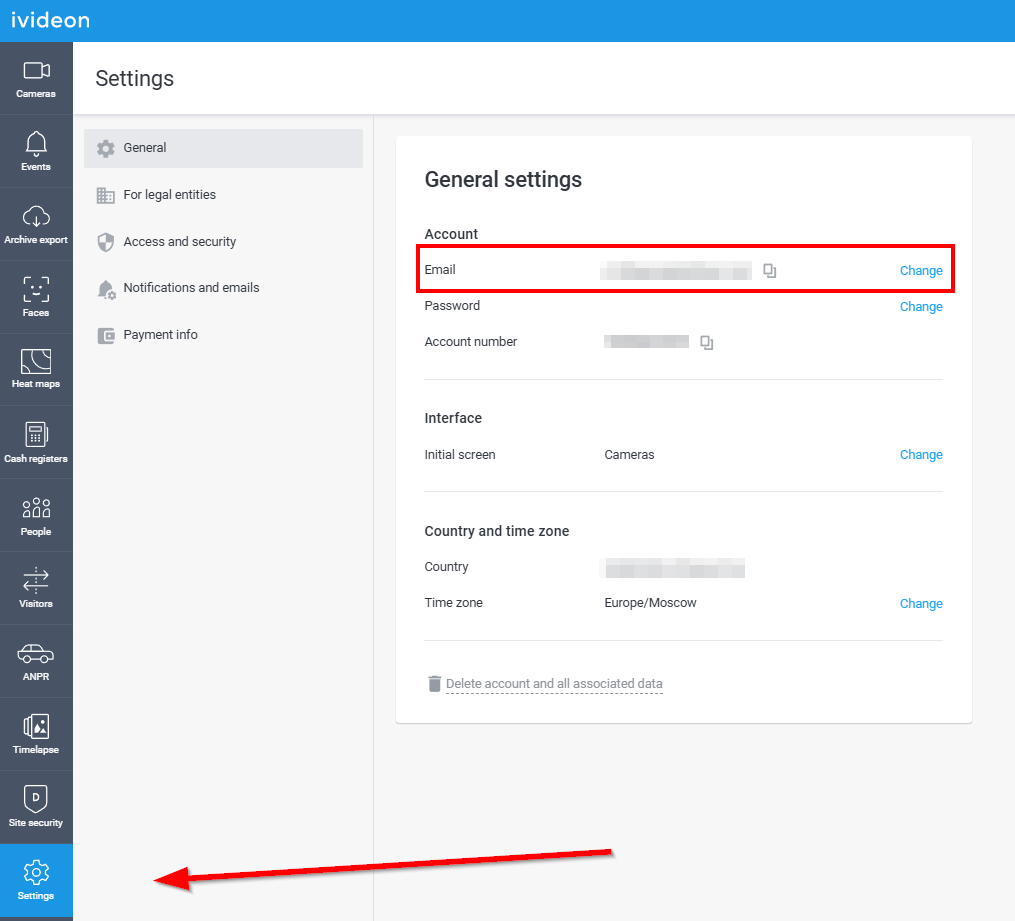 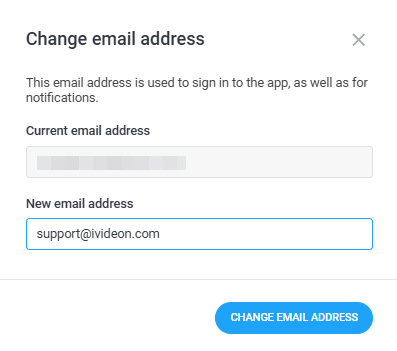 |
3. An email to confirm the request will be sent to the specified (new) address. To proceed with changing the account email, click the Confirm button in the received email. Please note! The link to change the account email is valid for 24 hours. After that, you will need to submit the request again from your personal account. | 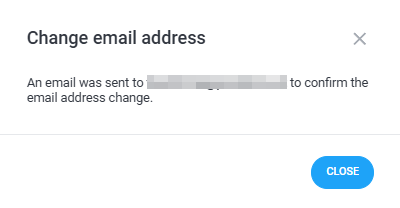 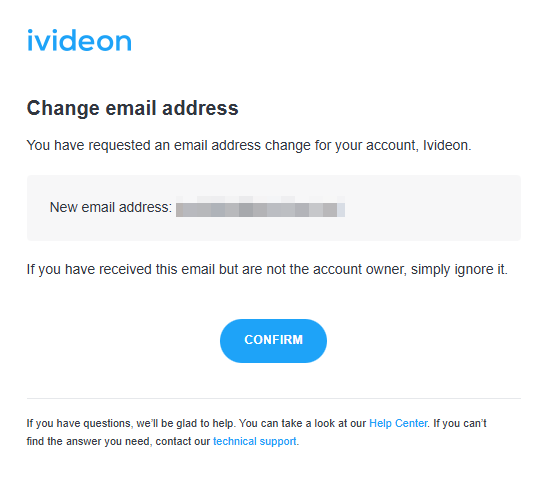 |
4. To complete the email change, enter the current password for your Ivideon account and click the Confirm button. | 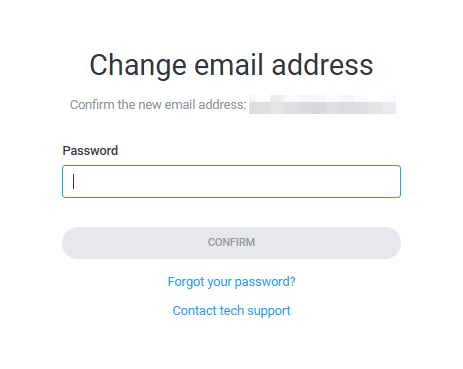 |
2. Common issues and troubleshooting
Please enter a different email address | The new email address is already in use (some account is registered with it). Enter a different email or delete the previously registered account (if it is no longer in use). |
New email address is the same as the current email address | Enter a new email address that is different from the one currently in use. |
Invalid password | Enter the correct password for your account. If you have lost the password, use the password recovery function. |
If you have any questions or difficulties when changing your account email, please contact us — our specialists will be happy to help!