
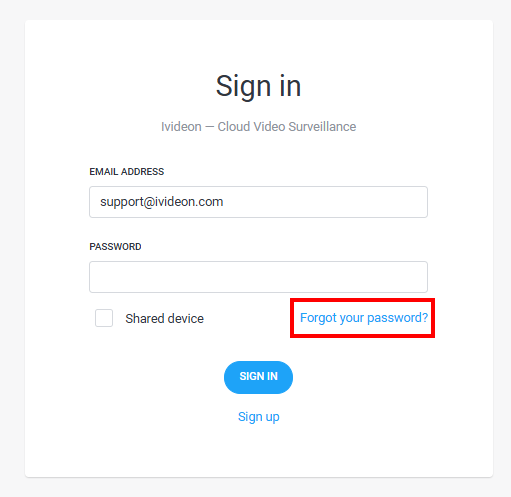
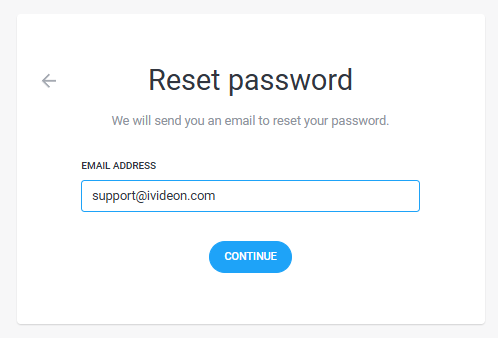
1. On the login page, click the Forgot password? link and then Continue.
|   |
2. An email from noreply@secure.ivideon.com containing a link for password change will be sent to your account's email address. Click Change password in the received email. Some email clients may classify such emails as spam. Therefore, if you don't receive the recovery email, check your Spam folder. You may also not receive the email if your mailbox is full. You can check the available space in your email box settings. | 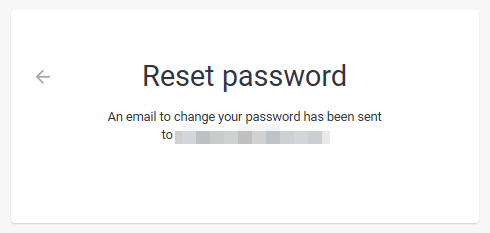 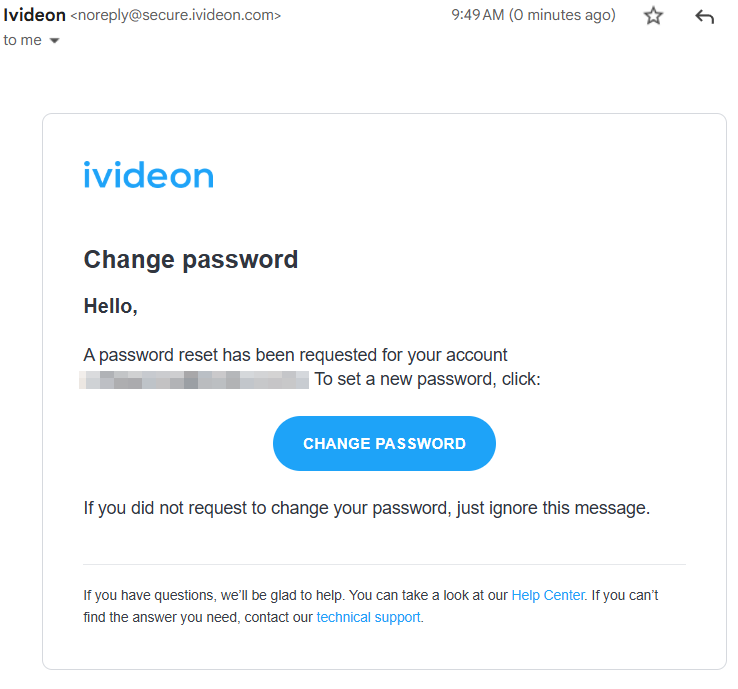 |
3. On the following page, set your new password and confirm by clicking Change password. | 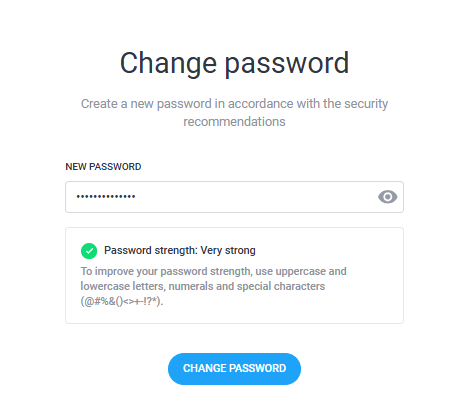 |
4. After changing the password, click the Go to login form button to log in to your personal account. | 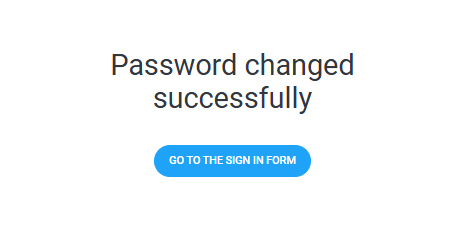 |
How to reset your account password?
Last update: 14.01.2026Was this article helpful?