
1. In your personal account, go to Settings > General 2. Click Change within the Password section. | 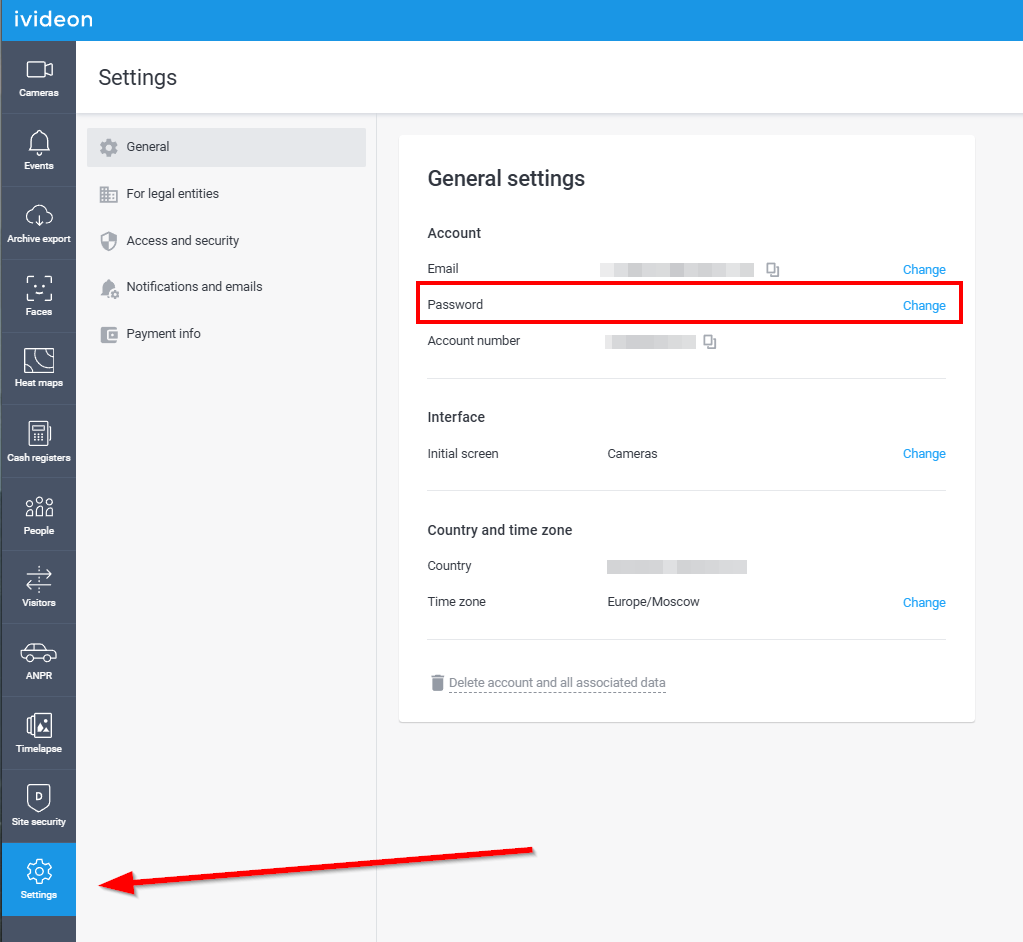 |
3. On the following page, enter your old password and set a new one, then click Change password. | 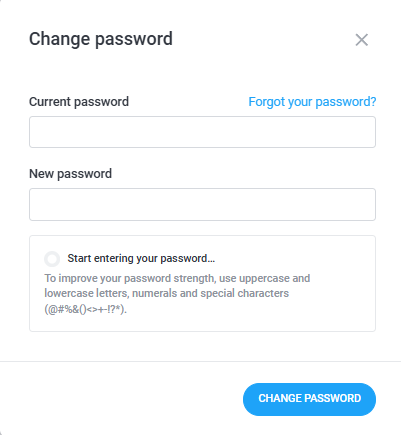 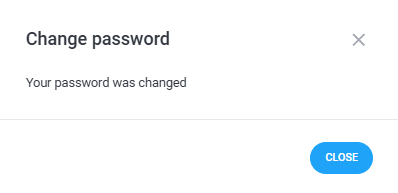 |
How to change your account password?
Last update: 14.01.2026Was this article helpful?