
1. How to Sign Up for a New Account
2. How to Log In to an Existing
1. How to sign up for a new account
1. On the main page ivideon.com, click the Login button in the top right corner. 2. In the menu that appears, click Sign up. | 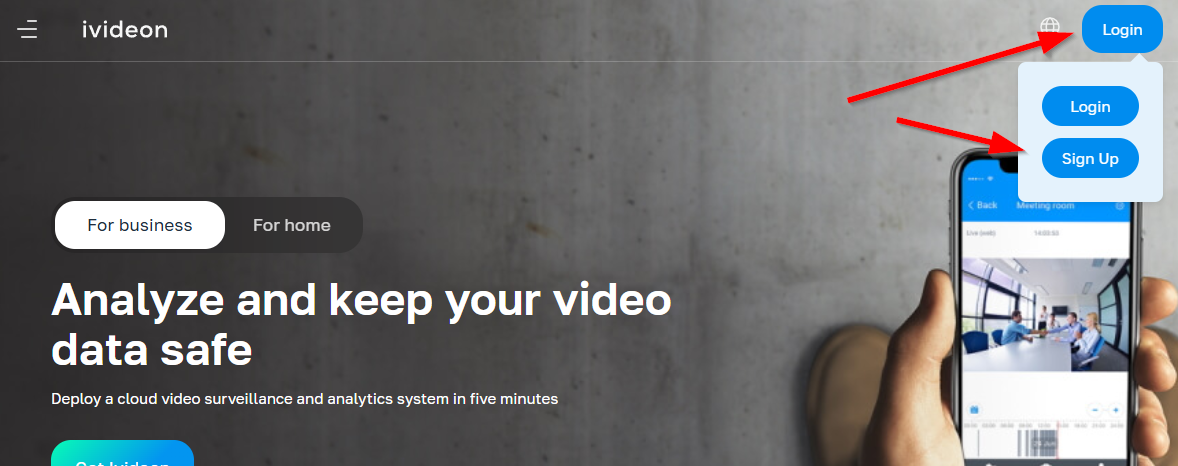 |
3. Fill in the required information:
4. Read the Terms of Service and Privacy Policy, then check the box I agree to the Terms of Service and Privacy Policy. 5. Click Create an account. | 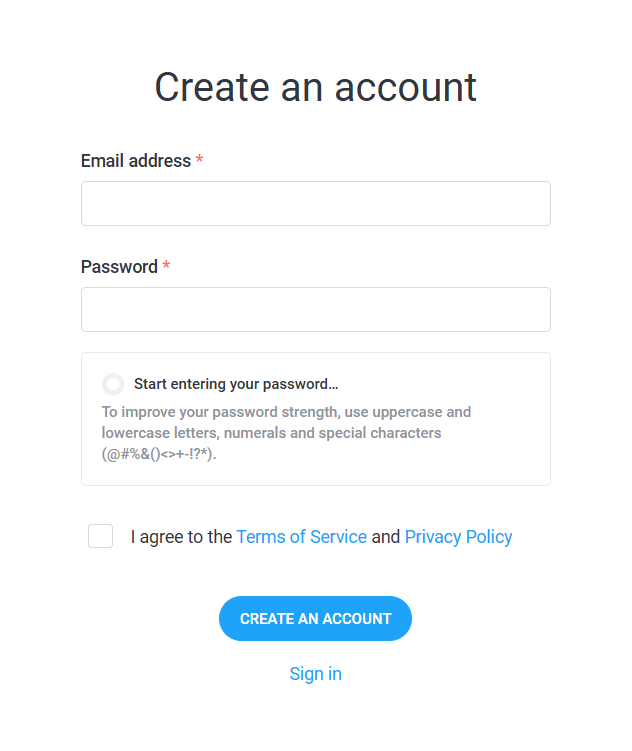 |
2. How to log in to an existing account
1. On the main page ivideon.com, click the Login button in the top right corner. 2. In the menu that appears, click Login. | 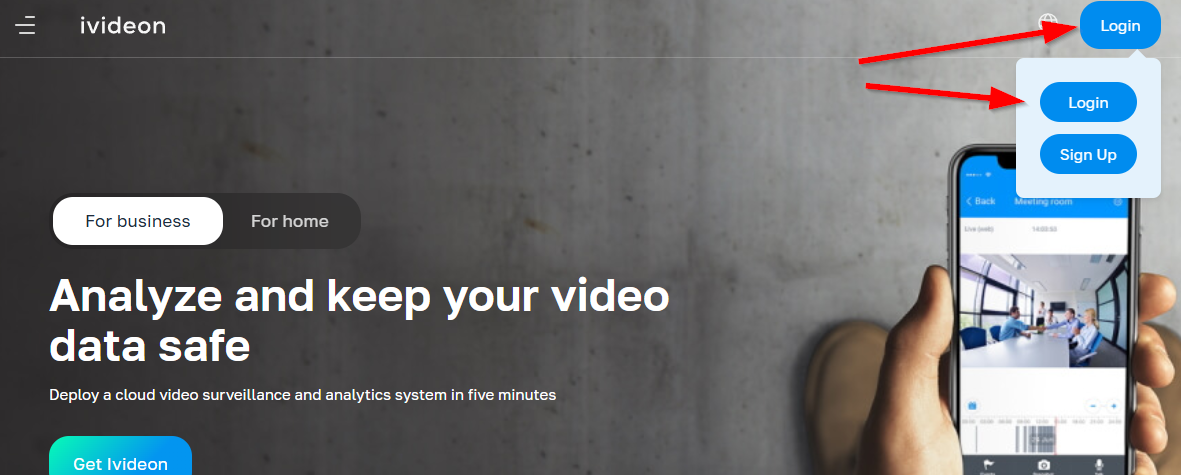 |
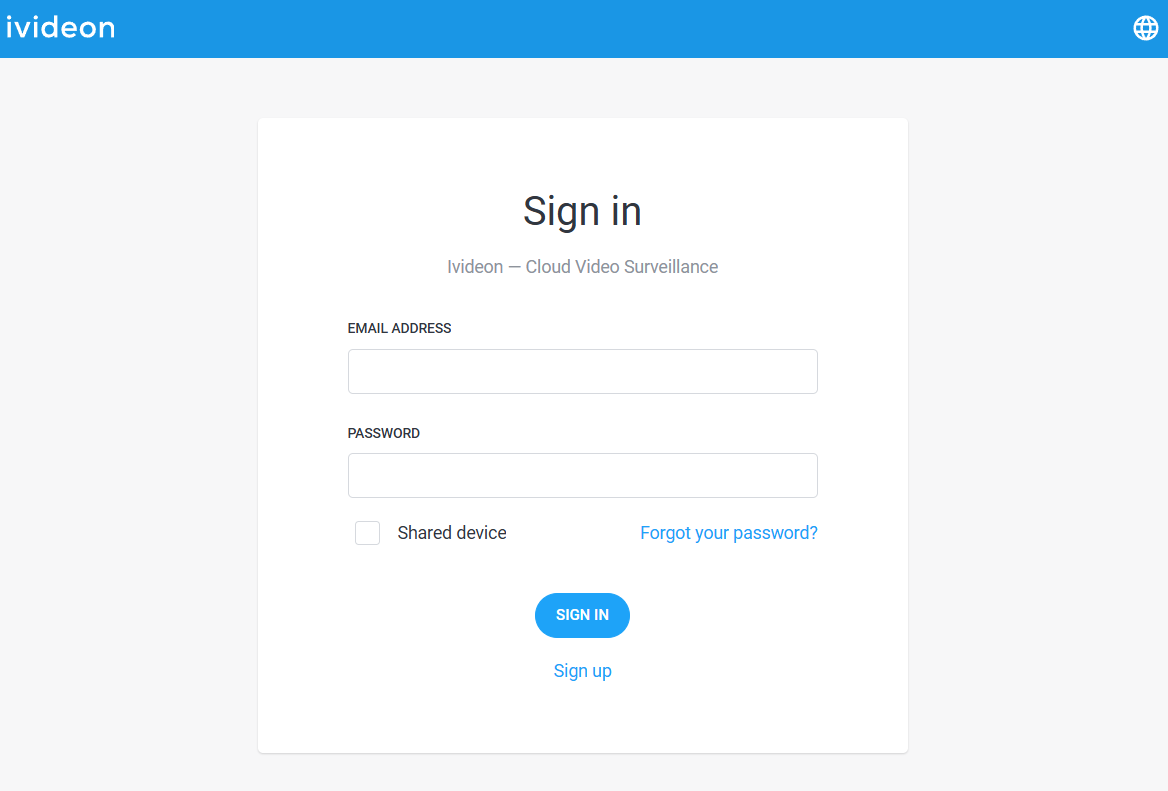
3. In the window that opens, enter the email address and password for your account, then click Login. Please note: Always enter your email using lowercase letters (e.g. user@example.com). |
 |